

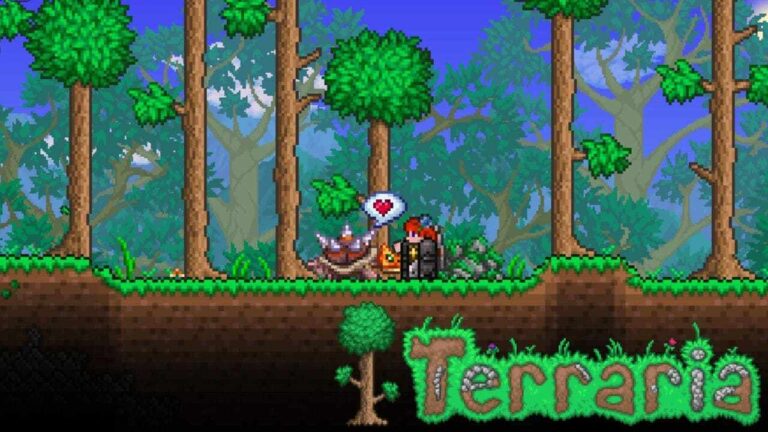
‘Terraria’ added many new features with the 1.4.5 Update, “Bigger & Boulder”, and has brought Digtoise from ‘Palworld‘ to the game. This Pal is a blessing for ‘Terraria’ players as players can now say goodbye to mindless digging & mining.
‘Palworld X Terraria’ collab has finally brought many Pals to ‘Terraria’ with the 1.4.5 Update. From Pals like Cattiva to Foxparks, many pals have come to ‘Terraria.’ And now, Digtoise has made his way to the game. This pal was a big helping hand in ‘Palworld,‘ and it’s no less useful in the world of ‘Terraria.’ So, let’s get into how players can get their hands on Digtoise in ‘Terraria.’
Finding Digtoise In ‘Terraria’
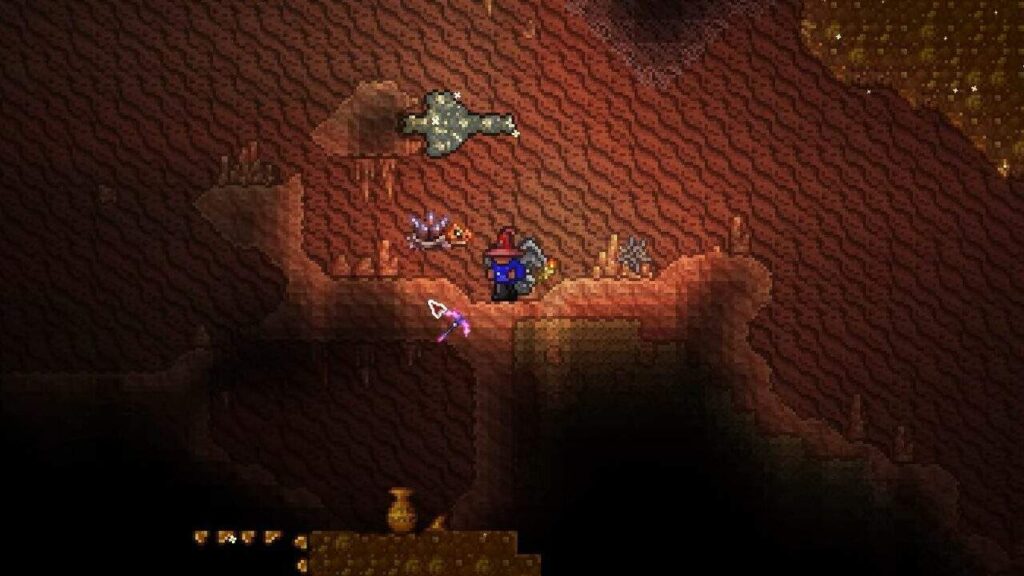
Players have to be ready with their torch and trusty pickaxe or bombs, because they’ll need to travel below the surface. Players can only find Digtoise below the Desert surface on your ‘Terraria’ world. The pal can be found in the sandy area underground. As soon as you see the big cave of yellow sand with pyramids, you are in the right place.
Now, to get to this underground dessert in ‘Terraria,’ players will need to dig down from the surface of the desert. You can either do that with the help of your pickaxe or bombs. Here you’ll find a spiky, round, fossil block stuck in the walls or floors, and that’s Digtoise. You can then mine the Pal using any pickaxe.
Another useful tip to find Digtoise is by brewing a Spelunker Potion. You can brew this potion using:
- Bottled Water
- Blinkroot
- Moonglow
- Gold Ore
This potion will make treasures glow, alongwith Digtoise. This makes finding the Pal really easy. You can also use a Treasure Finder Potion or use a Metal Detector accessory.
How To Use Digtoise In ‘Terraria’?
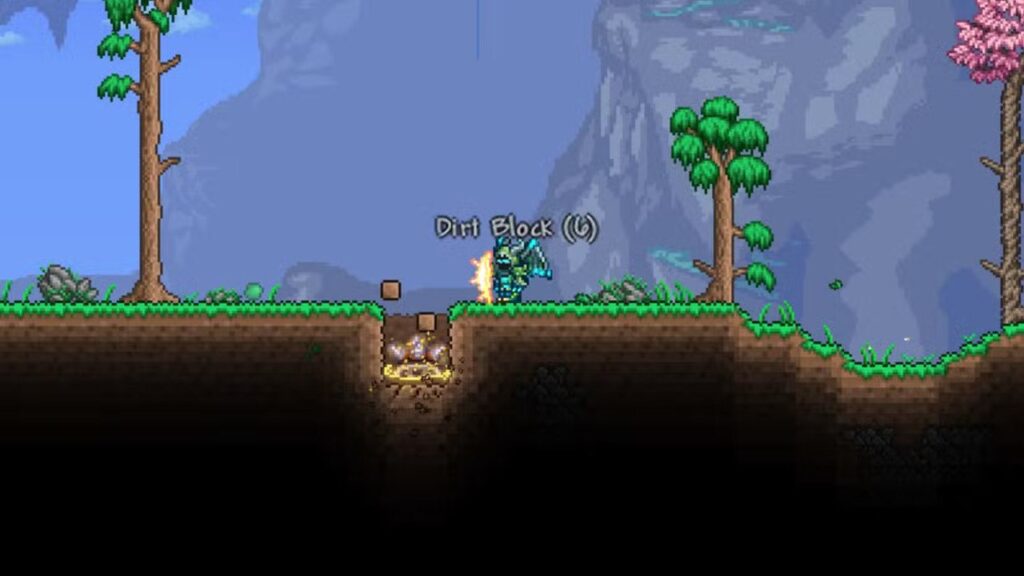
After successfully finding and mining Digtoise, you’ll find this Pal in your ‘Terraria’ in-game inventory. Just left-click on it, and it’ll come out and follow you around as your pet. To call the Pal back, just use right-click, and it’ll be back. Now to have the Pal dig and mine for you in ‘Terraria’, just point your mouse cursor where you want to dig and press left-click.
- Digging Down: Makes a wide hole in a straight line below.
- Sideways Digging: Point towards either side, left or right, causes Digtoise to make side tunnels.
- Abrupt Stopping: Right-clicking any time will make Digtoise stop digging.
In case you missed: ARC Raiders: How To Complete Combat Recon Quest?
Well, now you have a great Pal to take care of mining and digging in ‘Terraria’. Use it wisely and treat Digtoise with care!
