

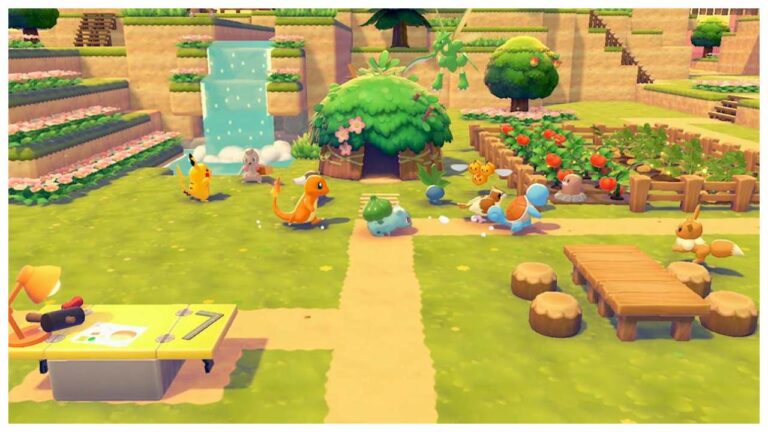
‘Pokémon Pokopia‘ is the latest game from the ‘Pokémon‘ franchise, released on March 5, 2026. The game is released exclusively for Nintendo Switch 2. The game is based on a unique concept and is kind of the company’s try to create something new and fresh.
The game is already creating quite a stir on social media platforms. Instead of solely combat-based gameplay, players have to focus mainly on resource management and crafting. Different abilities and special powers can be used in the game, but amongst them, one of the most sought-after but confusing abilities is teleportation. So let us find out how to teleport in this game.
How To Teleport Home In ‘Pokopia’?
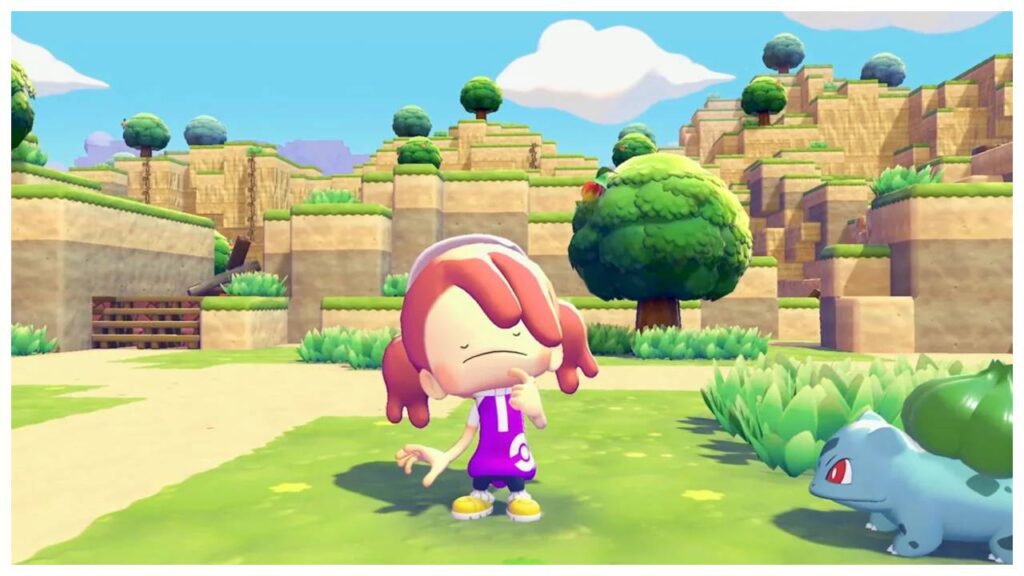
There are two kinds of teleportation systems in the game. Either players can teleport back to their homes on different biomes, or pick a teleport style Pokémon and jump straight to another Pokémon’s location.
- To teleport, players must set up a home in a specific biome. Then use a specialised marker called the Ditto Flag to mark the area as your home.
- After setting up a home, players must save the point.
- Then open the main menu of the game and look for the ‘return home’ option.
- The next step is to select the biome they want to go to and teleport to that place. If you don’t have a home in that biome yet, the game teleports you to the nearest safe location.
Related: Pokémon FireRed & LeafGreen: How To Catch Poliwhirl?
By following these steps, players can return to the saved points in no time at all.
How To Teleport To a Specific Pokémon In ‘Pokopia’?
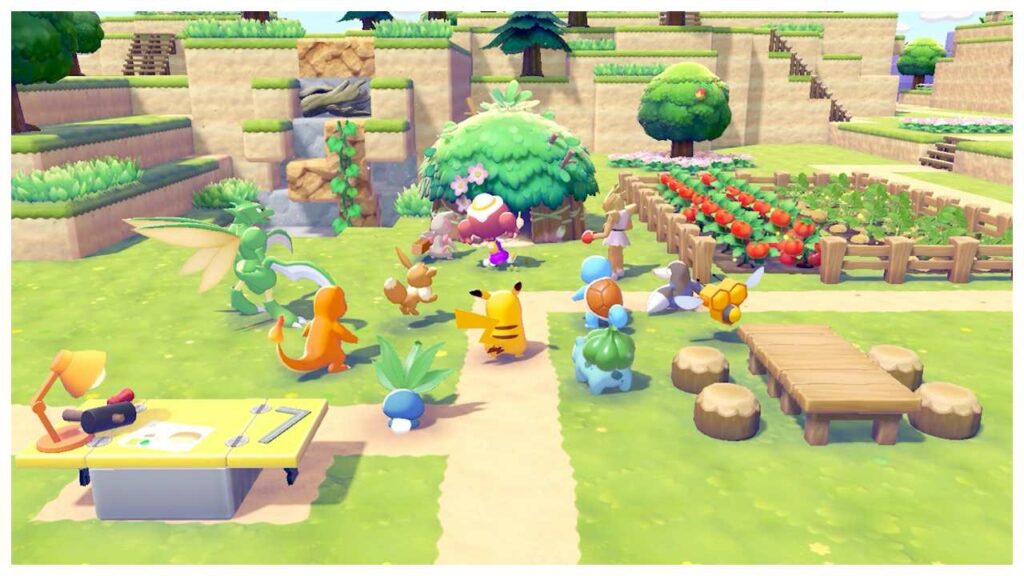
If players want to transport to a specific Pokémon, they have to use a special ability called Fly or Teleport.
- To teleport to a specific Pokémon, players must remain in the same region as the targeted Pokémon. They must also remain close to at least one Pokémon with a similar ability.
- To choose the Pokémon you want to teleport, you must open the pokedex menu and select the Pokémon.
- For the final step, players must interact with any nearby Pokémon with teleportation abilities. Upon interaction, a prompt appears where you can confirm the teleportation.
In Case You Missed: Indie Dev Admits Viral GTA 6 Leak Was Completely Fake After Spending Months Recreating Vice City From Scratch
The teleportation ability is surely one of the coolest features of the game, letting players travel across a giant map in the blink of an eye, saving time and intensifying the gameplay.
