

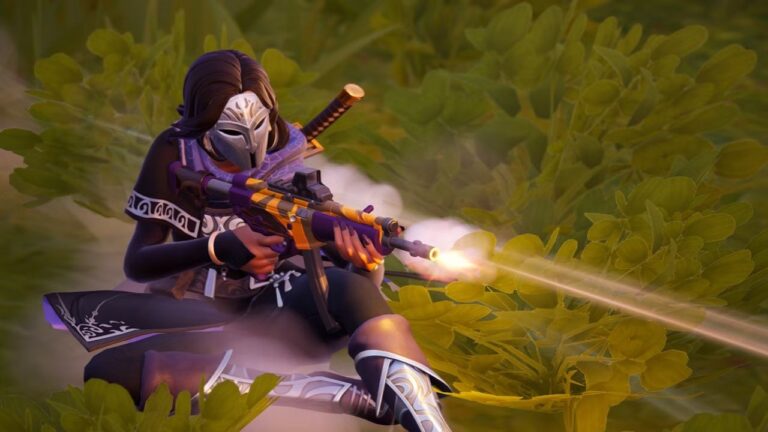
‘Fortnite‘ players can enjoy obtaining free items thanks to a new giveaway from Epic Games in partnership with Twitch Rivals. You can receive the Low Glow Wrap without spending any money!
Below you’ll find all the information you need to know about how to get your wrap and whether or not you have missed out on receiving the wrap since the announcement was made.
What Is The Low Glow Wrap In ‘Fortnite’?
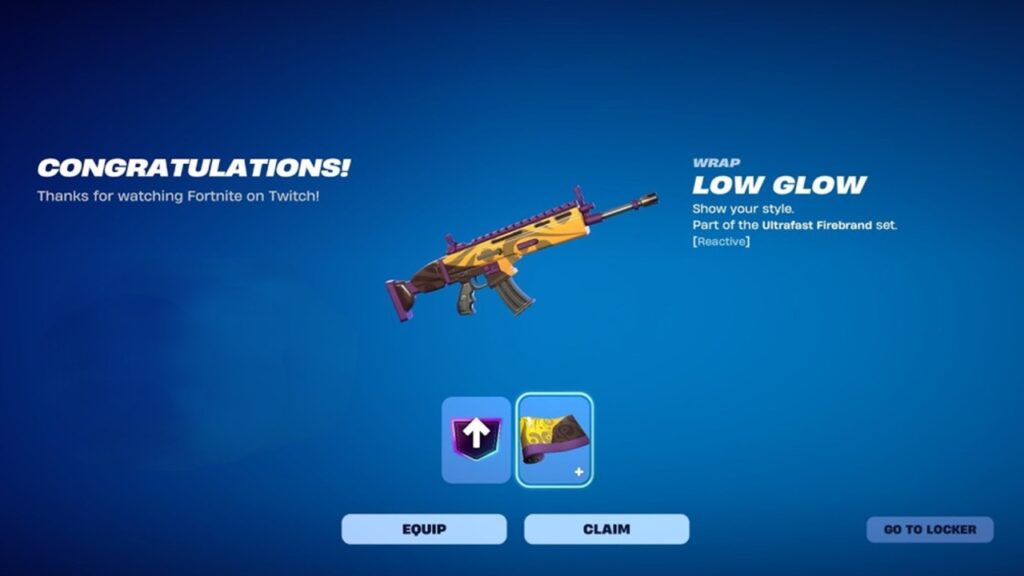
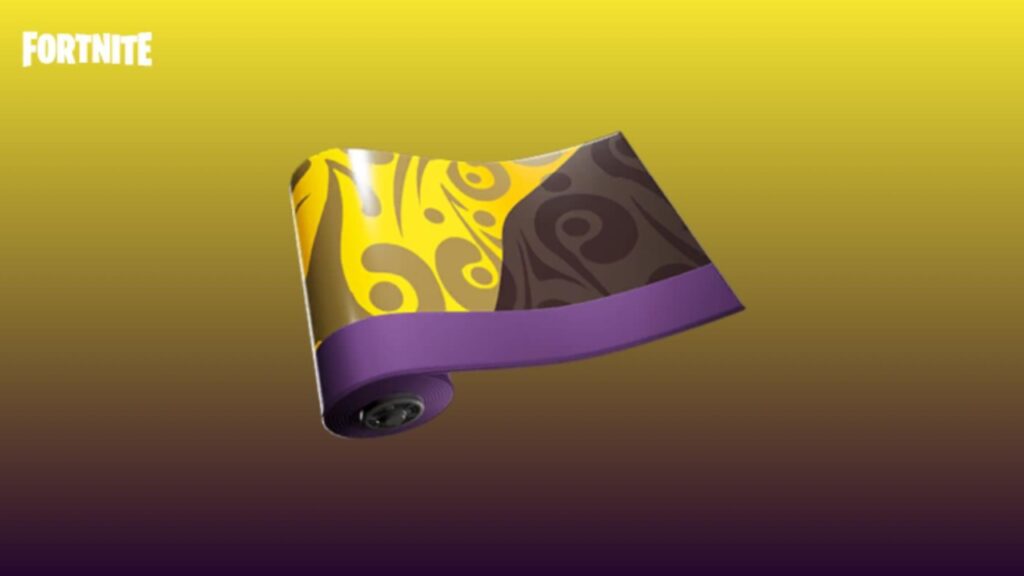
Low Glow wrap is an uncommon Weapon Wrap in ‘Fortnite.‘ Weapon wraps can be applied to nearly all of the weapons in Fortnite; for example, you can apply a different weapon wrap to your sniper than you do to your SMG or shotgun.
Low Glow wrap is a variant of the Ultra-Fast Firebrand weapon wrap, and it was released on February 20, 2026. Unlike other weapon wraps that can be acquired through challenges or V-Bucks spent in the Item Shop, the Low Glow wrap was only available through Limited-Time Twitch Drops; therefore, if you did not earn it during the drop period, it cannot be obtained through challenge rewards or V-Bucks spent during the event window.
There were also six different games streamed during this time to give players multiple opportunities to achieve their 30 minutes of watch time before the stream ended. After the Twitch stream ended, you will not be able to obtain this wrap for free anymore.
Related: Fortnite Chapter 7: How To Counter Lock-On AR?
Like most cosmetics in Fortnite, the Low Glow Wrap is not permanently exclusive. There is a chance that they will eventually be introduced to the Item Shop to be purchased with V-Bucks. There is no definitive return time frame for this item to relaunch, so the only way to guarantee that you received it for free was through the Twitch Drop.
How To Get The Free Low Glow Wrap?
To obtain the Low Glow Wrap for free, you must:
- Sign into Epic Games
- Link your Twitch account
- Watch a participating Twitch stream for 30 minutes
Once you have completed these steps, you can claim your reward from your Twitch Drops Inventory, adding it to your Fortnite Locker.
Please ensure that the stream states “Drops Enabled”, as only streams that are part of the official Twitch Rivals Drop Campaign will count towards the 30 minutes of viewing time. If you have not linked your accounts, you will not earn view time.
